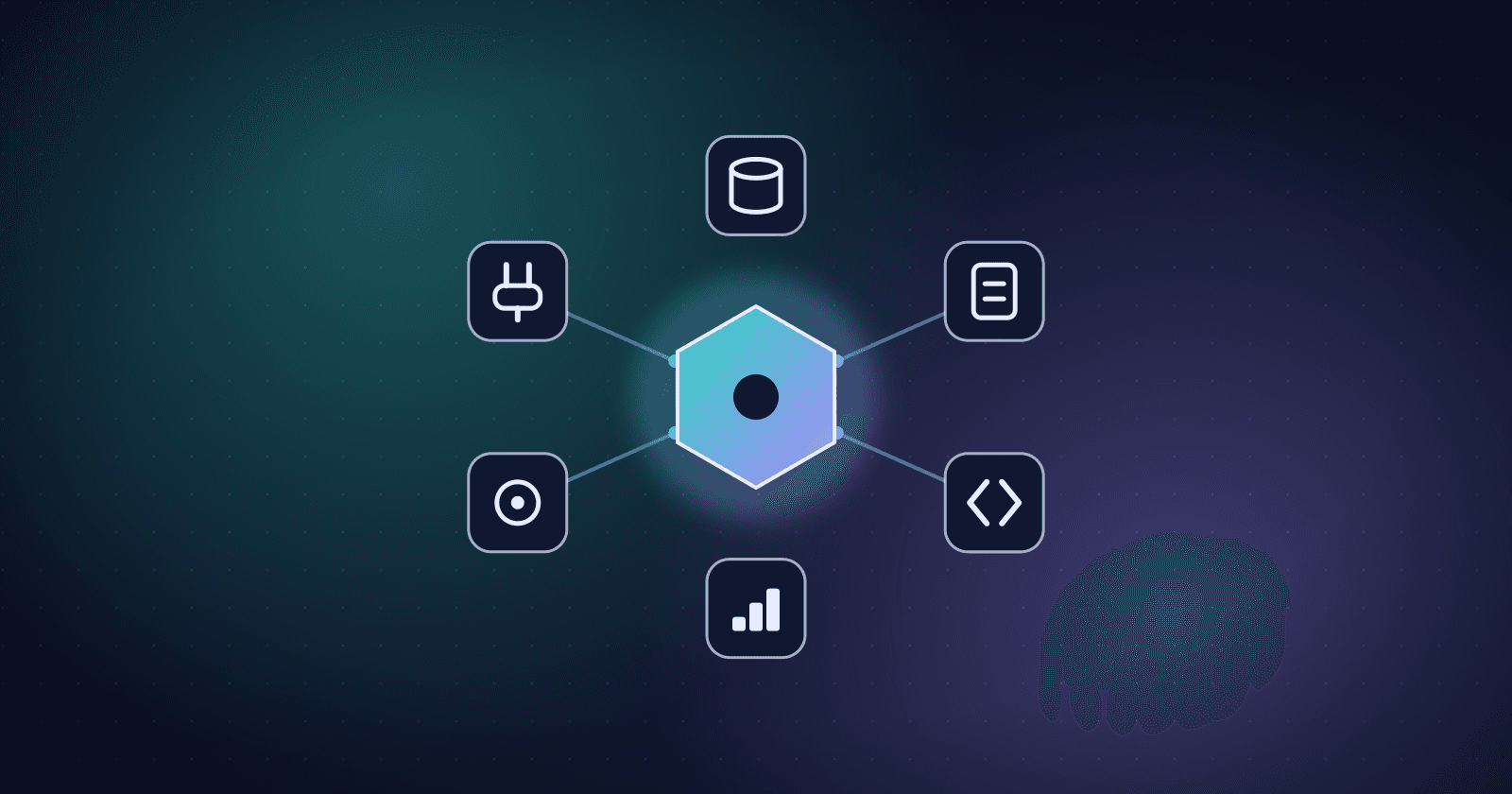
An agent that “only writes code” will quickly hit a ceiling without access to real data:
- Where are the actual docs?
- What does the API return today?
- What version is the DB schema?
- What do logs/Sentry traces say?
Kiro highlights native MCP support to connect agents with tools and data sources, including remote ones:
- MCP docs
- The homepage also emphasizes “Connect to docs, databases, APIs, and more with native MCP integration” (Kiro homepage).
1) How MCP improves code quality
When an agent can access sources of truth, it can:
- avoid inventing API contracts
- avoid guessing DB fields
- debug from real logs/traces
- generate more accurate migrations
In short: you move from “chatbot + codegen” to “a teammate with tool access.”
2) Real-world scenarios
Debugging production issues
The agent reads a trace (Sentry/logs), maps it to file/line, and proposes a patch.
Staying aligned with internal docs
The agent consults docs to learn “how the team does things,” avoiding odd patterns.
Verifying data
The agent queries the database (read-only) to validate assumptions before making changes.
3) Safety considerations
Powerful tool access needs guard rails:
- scoped permissions (read-only vs write)
- audit logs
- secret redaction
- limiting destructive actions
A good integration is one with clear policies and protections.
Closing
MCP makes agents “smarter” not because the model is better, but because the agent can see real data. Combine MCP with specs, steering, and hooks, and your workflow becomes dramatically more reliable.